Understanding Battery Charging Cycles: The Complete Guide for Mobile Devices
Learn what charging cycles really are, how they affect different types of smartphone batteries like Lithium-Ion, Lithium-Polymer, and Silicon-Carbon, and how you can extend your phone’s lifespan with smarter charging habits.
 Danijel MarkovAndroid app developer 4 min read
On this page
- 📝 Introduction
- 🔄 What Is a Charging Cycle?
- 🧩 What Are Micro-Cycles and Why They Matter
- ⚡ When Do Micro-Cycles Happen Most Often?
- 🧠 How Micro-Cycles Affect Battery Health
- 🔋 How Charging Cycles Affect Different Battery Types
- 🔥 How Fast Charging Affects Cycles
- ❄️ How Temperature Affects Cycle Life
- 📉 What Happens As a Battery Loses Cycles
- 🛠️ How to Extend Battery Life and Preserve Cycles
- 🔍 Bonus Tip: How to Check Battery Cycles with Battery Guru
- 🧪 Special Focus: Silicon-Carbon Batteries
- 🏁 Conclusion
📝 Introduction#
Your smartphone battery doesn’t just wear out because of time, it wears out because of charging cycles.
Every full or partial charge slowly reduces the battery's capacity over time.
But not all batteries are the same: Lithium-Ion (Li-ion), Lithium-Polymer (Li-Po), and newer Silicon-Carbon batteries each handle cycles differently.
Let’s dive deep into how charging cycles work, how different batteries behave, and what you can do to make your battery last longer.
🔄 What Is a Charging Cycle?#
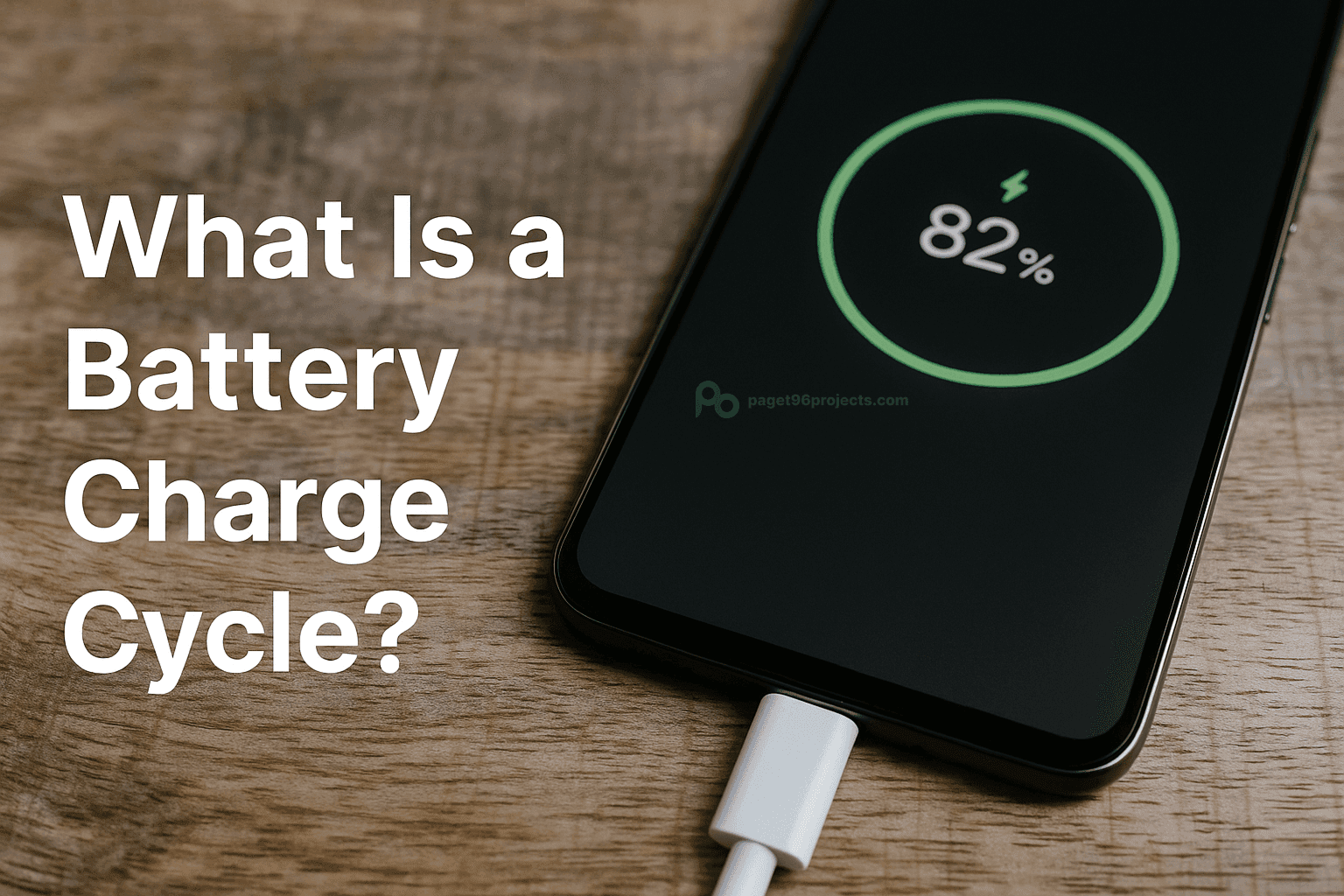
A charging cycle is one full 100% usage of battery power, but it doesn’t have to happen all at once.
Examples:
- You use 60% of your battery today, then recharge to 100%, then use 40% tomorrow, that’s one cycle.
- If you drain 20% and recharge five times, that's also one full cycle.
▶️ It’s cumulative, not tied to one single charge.
Batteries have a limited number of cycles before their maximum capacity noticeably declines, usually below 80% of the original capacity.
🧩 What Are Micro-Cycles and Why They Matter#
A micro-cycle happens when a battery experiences small, repeated charging and discharging events without completing a full large cycle.
Example of a micro-cycle:
- You use 2–5% of your battery, then top it off.
- Repeat this many times during the day (small discharges, small recharges).
While one full cycle equals 100% total use, frequent micro-cycles cause additional stress, especially at extreme voltage levels (near full or near empty).
⚡ When Do Micro-Cycles Happen Most Often?#
- Heavy app usage while plugged in (gaming + charging at the same time)
- Wireless charging pads with constant top-ups
- Quick short drives with phone plugged into a car charger
- Power bank top-ups multiple times a day
🧠 How Micro-Cycles Affect Battery Health#
- Voltage fluctuation stress at high and low ranges
- Increased chemical wear when combined with heat
- Premature capacity decline over time if micro-cycling is excessive
▶️ Micro-cycles aren't harmful by themselves, but heat + constant topping up accelerates aging.
🔋 How Charging Cycles Affect Different Battery Types#
| Battery Type | Expected Cycle Life | Behavior During Aging |
|---|---|---|
| Lithium-Ion (Li-ion) | 400–600 cycles | Gradual capacity loss, faster with heat or 100% charging |
| Lithium-Polymer (Li-Po) | 500–800 cycles | Slightly more resistant, flexible shapes |
| Silicon-Carbon | 800–1200 cycles (early data) | Better cold performance, faster charging, longer cycle life |
🔥 How Fast Charging Affects Cycles#
Fast charging produces more heat, and heat accelerates chemical aging.
While fast charging is convenient, using it daily can shorten cycle life compared to slow or moderate charging.
▶️ Tip: Use fast charging when necessary, but prefer slower charging when possible, especially overnight.
❄️ How Temperature Affects Cycle Life#
| Temperature Range | Effect on Battery |
|---|---|
| 10–30°C (50–86°F) | Ideal operating temperature |
| >40°C (104°F) | Accelerated aging, potential lithium plating |
| <0°C (32°F) | Capacity drop, risk of damage if charged |
▶️ Keeping your phone within a safe thermal zone helps preserve hundreds of charging cycles over its lifetime.
📉 What Happens As a Battery Loses Cycles#
- Capacity shrinkage (battery "100%" might actually mean 80–85%)
- Shorter usage times between charges
- Increased voltage instability (especially under load)
- Performance throttling on devices with battery health monitoring
▶️ After 500+ cycles, phones usually have ~80% of their original battery capacity left, depending on usage patterns.
🛠️ How to Extend Battery Life and Preserve Cycles#
▶️ Avoid constant 100% charging.
Staying between 20%–85% is optimal.
▶️ Avoid deep 0% discharges.
Low-voltage deep drains are stressful for batteries.
▶️ Use slow or optimized charging overnight.
Lower heat = slower battery wear.
▶️ Limit gaming or heavy app use while charging.
Heat + micro-cycles = double damage.
▶️ Monitor daily patterns.
Apps like Battery Guru help you visualize temperature, cycle usage, and charge patterns.
🔍 Bonus Tip: How to Check Battery Cycles with Battery Guru#
Keeping track of your battery cycles is the first step toward smarter battery care.
Most Android phones don't show cycle count by default, but Battery Guru makes it easy.
✅ With Battery Guru, you can:
- Estimate your battery's cycle count based on real usage
- Monitor maximum charging temperatures to spot risky behavior
- View detailed 24-hour charging and discharging history
By watching these stats, you can catch early signs of battery aging, and adjust your habits to add years of life to your device.
🧪 Special Focus: Silicon-Carbon Batteries#
Silicon-Carbon batteries are the next big leap in mobile battery technology.
Compared to traditional Li-ion:
- Higher energy density = longer battery life
- Faster charging with lower heat production
- Better cold performance (especially under freezing conditions)
- Longer cycle life (early estimates suggest 800–1200+ cycles)
While still relatively rare in smartphones as of 2025, this technology is expected to become mainstream within the next few years, offering major improvements for battery durability and longevity.
🏁 Conclusion#
Battery cycles define the lifespan of your phone.
By understanding how full and micro-cycles work, and how different batteries behave, you can make smarter choices that protect your device’s health for years to come.
Control temperature, manage charging habits, and monitor your battery’s condition regularly, and you’ll be way ahead of most users in preserving battery life.
Take care of your cycles, and your phone will take care of you.