Google Pixel Charging Optimization: Why My Phone Sometimes Charges to 100% (Even When Limited to 80%)
I noticed many Google Pixel users on Reddit and other forums were confused and frustrated because their phones sometimes skip the 80% charging limit and charge all the way to 100%. After seeing their questions and concerns, I decided to dig into why this happens, how Pixel’s charging optimization really works, and how you can use tools like Battery Guru to better manage your battery health.
 Danijel MarkovAndroid app developer 4 min read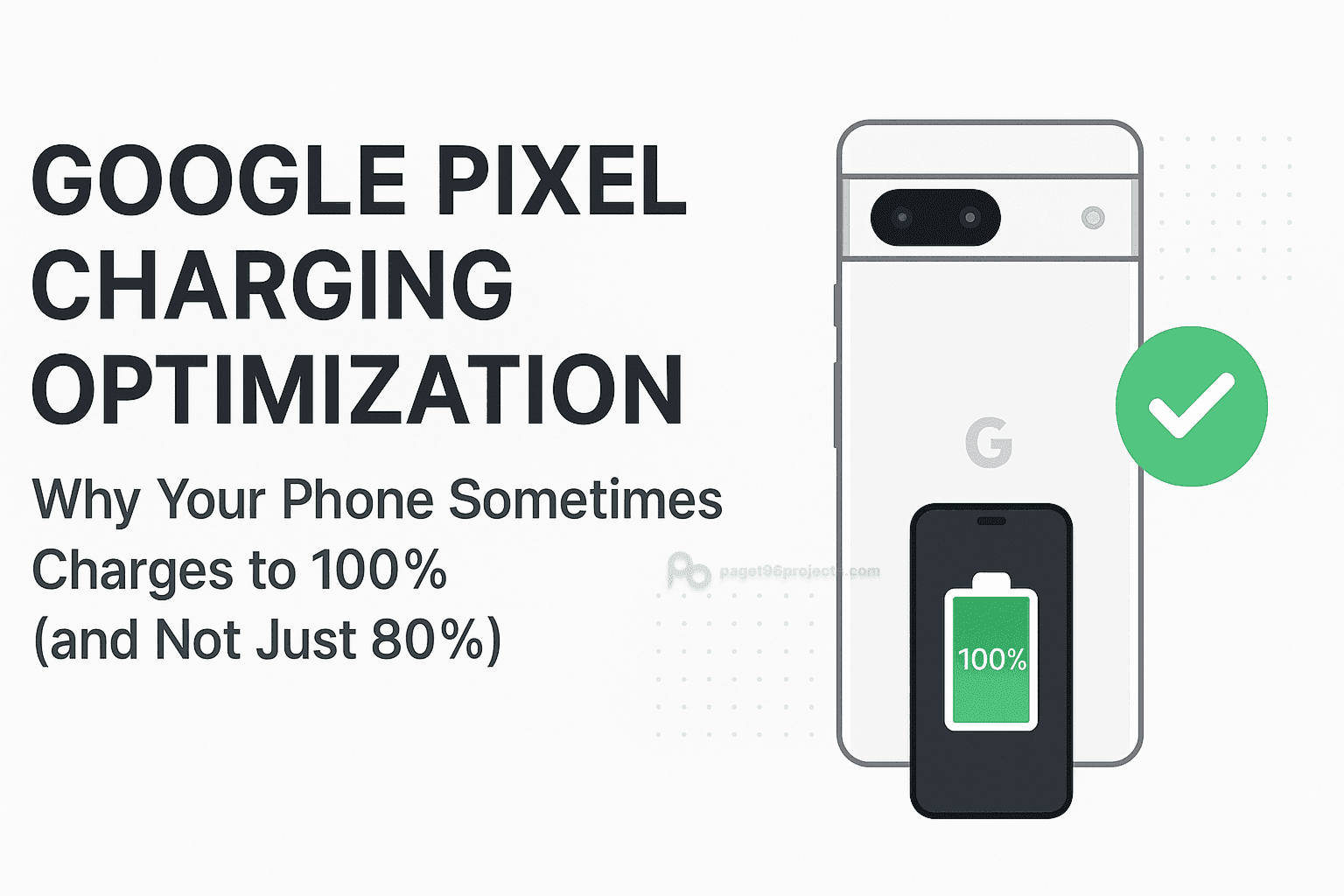
On this page
- How This Article Came to Be: My Pixel Charging Mystery
- How Pixel’s Charging Optimization Works
- Why Does My Pixel Sometimes Skip the 80% Limit and Charge to 100%?
- Battery Health Calibration
- Why Doesn’t This Happen Every Time?
- User Behavior Matters
- How Can I Know When My Battery Is Really Full?
- Should You Limit Charging to 80%?
- My Best Tips for Pixel Users
- Conclusion
How This Article Came to Be: My Pixel Charging Mystery#
While browsing Reddit, I kept seeing posts from Pixel users saying things like:
- “Why does my Pixel sometimes charge past 80% even though I set it to limit charging?”
- “Is my phone ignoring the 80% limit? Is this a bug?”
- “My battery health readings seem off. Could it be related to charging?”
- Is it just me or the limit to 80% feature is not working at all for anyone else?
These questions made me curious. I wanted to understand what’s really going on behind the scenes with Pixel’s charging optimization and why the phone sometimes charges to 100% despite the limit.
After researching official Google documentation and testing my friends Pixel, I discovered some important facts that every Pixel owner should know. This article is my attempt to explain those findings clearly and help you get the most out of your phone’s battery.
How Pixel’s Charging Optimization Works#
Google Pixel phones come with smart charging features designed to protect your battery and extend its lifespan. One popular option is the ability to limit charging to 80%, which reduces battery stress.
But here’s the catch: even with this limit enabled, Pixel phones will occasionally charge all the way to 100%. This isn’t a bug or glitch-it’s intentional.
Read about different types of battery protection: The Smarter Way to Charge: How Modern Phones Protect Your Battery
According to Google’s official support page (link here):
“Your Pixel will occasionally charge to 100% to ensure accurate battery capacity readings.”
Why Does My Pixel Sometimes Skip the 80% Limit and Charge to 100%?#
Battery Health Calibration#
Limiting charging to 80% is a great way to reduce battery wear, but it can make it difficult for the phone to accurately estimate battery health and capacity.
Read more about battery health: Understanding Battery Health: The Most Complete Guide
To recalibrate these estimates, the phone needs to see the battery’s full charge range-from a low battery level (ideally 5-10%) all the way to 100%. If your phone only charges between 70% and 80%, the system can’t get an accurate picture of battery health.
That’s why your Pixel will occasionally bypass the 80% limit and charge fully to 100%.
Why Doesn’t This Happen Every Time?#
Calibration only works if the phone charges from a low battery level to full in one session. If you unplug your phone before it stays at 100% or if you only charge from a higher battery level (like 70%), the calibration may fail.
This is why you might see your Pixel skip full charges some days and perform them on others.
User Behavior Matters#
I also noticed that many users unplug their phone as soon as it hits 100%. But for calibration to work properly, the phone needs to register that it’s truly “full.” That means letting it stay plugged in for a short while after reaching 100% until the “Battery full” notification appears.
How Can I Know When My Battery Is Really Full?#
Your Pixel will show a “Battery full” notification when it reaches 100%. To make sure you don’t miss this, I recommend using the Battery Guru app.
Battery Guru can:
- Notify you exactly when your battery hits 100%.
- Let you set custom battery alarms (like at 80%) to unplug your phone at your preferred limit.
- Provide detailed charging stats and battery health monitoring.
I’ve included screenshots below showing how Battery Guru’s notifications and alarms work.
Download Battery Guru: PlayStore
Should You Limit Charging to 80%?#
Limiting charging to 80% is a proven way to reduce battery stress and slow degradation. However, it’s important to allow your Pixel to occasionally charge to 100% for accurate battery health calibration.
This isn’t just for Battery Guru’s benefit-the system itself needs this to manage your battery properly.
My Best Tips for Pixel Users#
- Enable Pixel’s charging optimization features.
- Occasionally let your phone charge from a low battery (5-10%) to 100% and stay plugged in until the “Battery full” notification appears.
- Use Battery Guru to get precise notifications and alarms.
- Don’t worry if your phone sometimes skips the 80% limit-it’s part of the smart charging process.
Conclusion#
After digging into this issue and testing my Pixel, I now understand why the phone sometimes charges to 100% despite the 80% limit. It’s all about keeping battery health estimates accurate and protecting your battery in the long run.
If you want to take control of your charging habits and battery health, I highly recommend using Battery Guru alongside Pixel’s built-in features.
For the official details, check out Google’s support page here:
https://support.google.com/pixelphone/answer/6090612?hl=en#zippy=%2Climit-charging-to