Why Not CapCut? Exploring OpenCut: A Private, Open-Source Alternative
CapCut has taken the world of video editing by storm, especially for short-form content on platforms like TikTok, Instagram Reels, and YouTube Shorts. It's easy to use, packed with trendy effects, and widely available. However, for many creators, especially those who prioritize privacy, control, or advanced features without hidden costs, CapCut might not be the perfect fit. This is where OpenCut comes into play, positioning itself as a compelling, open-source alternative.

On this page
The CapCut Conundrum: Why Some Creators Look Elsewhere#
CapCut, owned by ByteDance (the same company behind TikTok), is undeniably powerful for quick, trendy video creation. But its design philosophy and business model come with certain trade-offs that lead some users to seek alternatives.
Key Reasons Why CapCut Might Not Be For Everyone:#
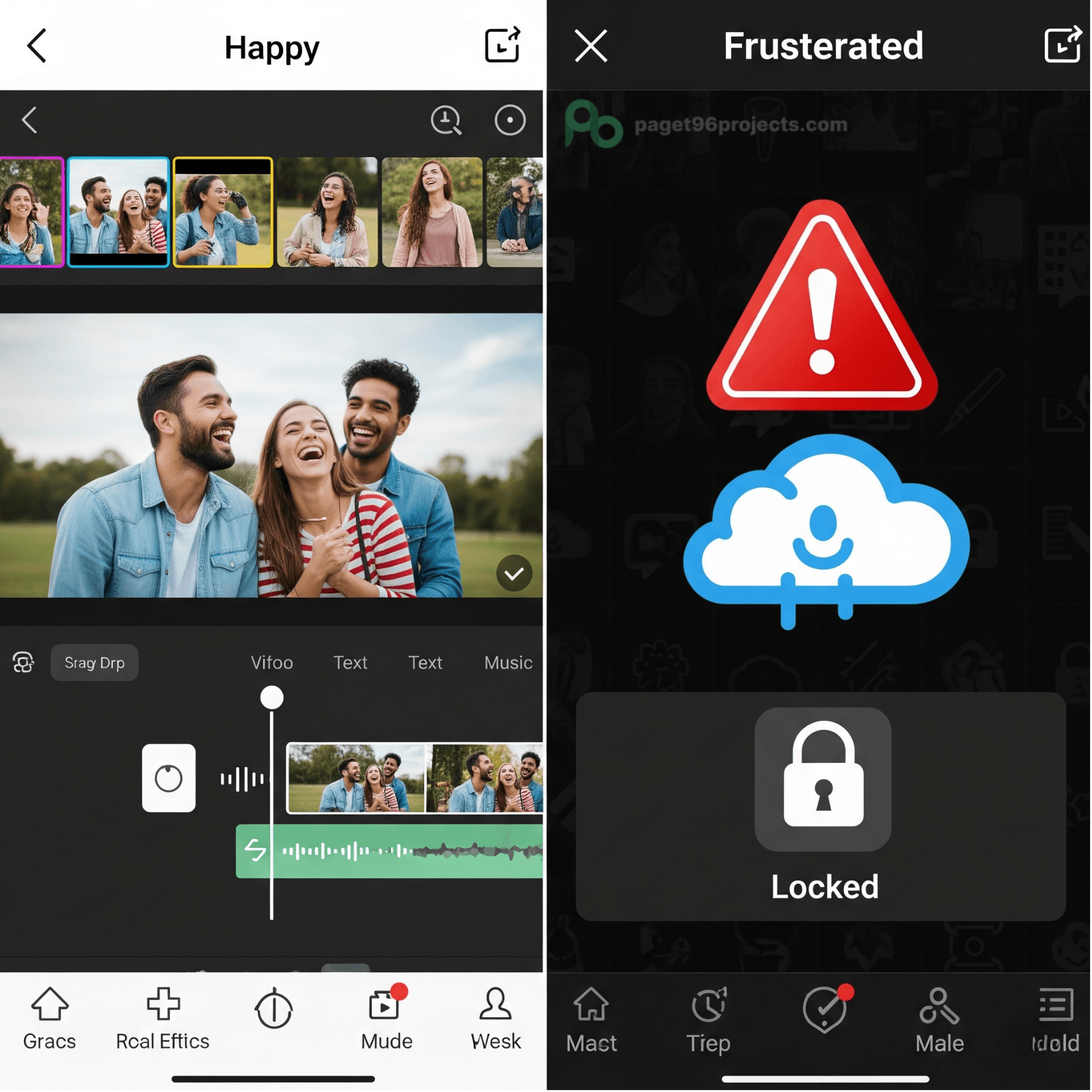
Privacy Concerns: CapCut's ties to ByteDance and its terms of service have raised questions for some users regarding data collection and how their content might be used. Its terms of service grant broad, perpetual, worldwide, royalty-free licenses to content uploaded or synced to their cloud, allowing them to modify, publish, monetize, and even sublicense your work without explicit payment or credit. This includes even private drafts.
Limitations for Professional Work: While excellent for casual or social media content, CapCut often falls short for more professional or complex projects.
- Limited Desktop Flexibility: The mobile app often has more features than the desktop version, which can be limiting if you prefer editing on a computer.
- Performance Issues with Large Projects: For longer videos with many layers or effects, CapCut can become slow and laggy, interrupting workflow.
- Basic Audio and Color Tools: It lacks advanced audio editing features (like equalizers or noise removal) and detailed color grading tools (like color scopes), which are essential for high-quality productions.
- No Plugin Support: Unlike professional editing software, you can't add external plugins for specialized effects or tools.
Reliance on Internet Connection: Many of CapCut's features, especially AI tools and cloud syncing, require a stable internet connection. This limits its usability for offline work or in areas with poor connectivity.
"Free" Comes with Caveats: While CapCut offers a free tier, many desirable features, including 1080p exports and a wider range of templates, effects, and AI tools, are now behind a "Pro" subscription. The free version may also include watermarks.
Focus on TikTok: CapCut is heavily optimized for TikTok content, which might make it less versatile for creators producing content for a wider range of platforms with different aspect ratios and requirements.
OpenCut: The Open-Source Answer#
OpenCut emerges as a direct response to these limitations, particularly championing user privacy, freedom, and foundational features without a paywall. It's an open-source video editor designed from the ground up to be an alternative to CapCut.
This is where OpenCut comes into play, positioning itself as a compelling, open-source alternative. You can find the project's code on GitHub and learn more on its official website.
The Philosophy Behind OpenCut:#
OpenCut's core philosophy is built on principles that address CapCut's drawbacks:
- Privacy First: A major driving force behind OpenCut is that your videos stay on your device. There's no forced cloud syncing or broad content licensing clauses. This is crucial for creators who want full control and ownership of their work without concerns about how a third party might use it.
- Truly Free Features: OpenCut aims to provide every basic editing feature that might be paywalled in CapCut, without watermarks or subscriptions. This democratizes access to essential video editing tools.
- Simplicity Meets Capability: Like CapCut, OpenCut aims for an easy-to-use interface, proving that powerful editing doesn't have to be overly complex.

Key Features and Advantages of OpenCut:#
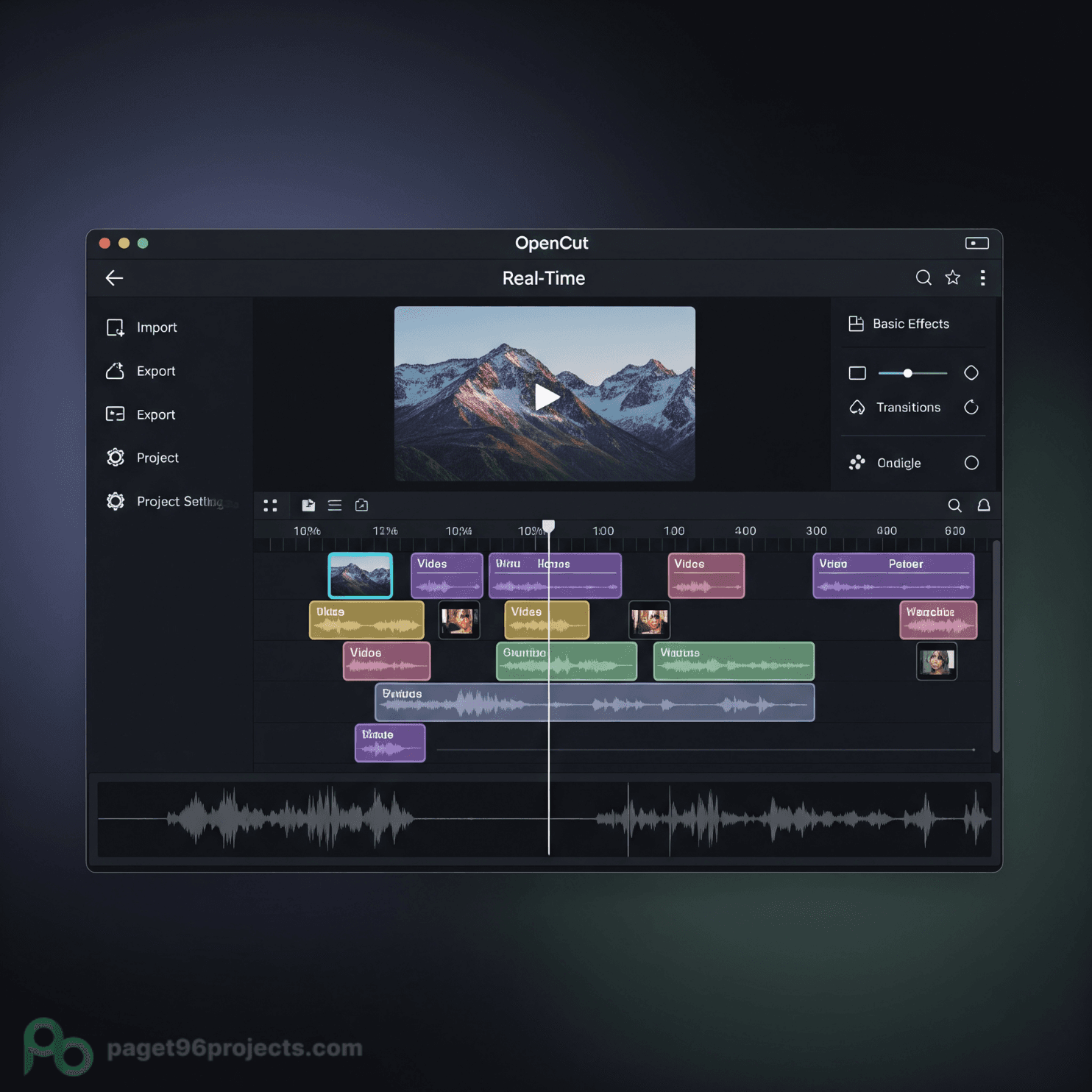
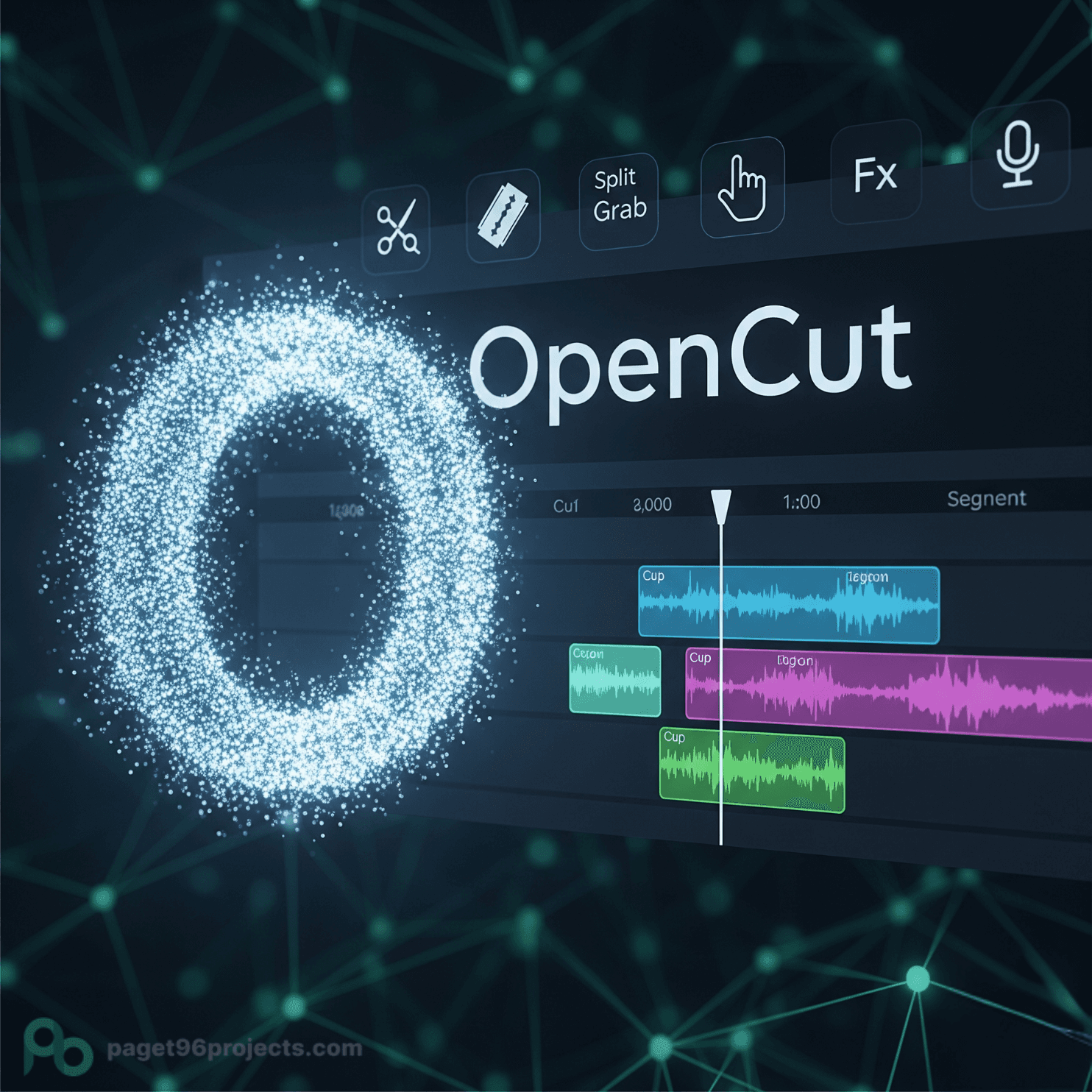
- Timeline-Based Editing: Offers a professional-style timeline for precise control over your video clips, audio, and effects.
- Multi-Track Support: Allows you to layer multiple video and audio tracks, essential for more complex edits, picture-in-picture effects, or layered sound design.
- Real-time Preview: See your edits instantly as you make them, speeding up your workflow.
- No Watermarks, No Subscriptions: As a truly free and open-source tool, you won't encounter watermarks on your exported videos or be pressured into a subscription for core functionalities.
- Cross-Platform Availability: OpenCut is being developed to run on web, desktop (Windows, macOS, Linux), and potentially mobile platforms, offering flexibility in where and how you edit.
- Community-Driven Development: Being open-source means a community of developers contributes to its growth, fixing bugs and adding features based on user needs.
Who Is OpenCut For?#
OpenCut is particularly appealing to:
- Privacy-Conscious Creators: Anyone uncomfortable with the data policies or content usage terms of commercial apps like CapCut.
- Budget-Minded Editors: Users who need robust editing features without recurring subscription fees or hidden watermarks.
- Aspiring Professionals: Those who are ready to move beyond the limitations of basic mobile editors but aren't yet ready for complex professional software.
- Open-Source Enthusiasts: Individuals who support community-driven software development and prefer transparent tools.
- Users Needing Cross-Platform Flexibility: Anyone who wants to edit across different operating systems without platform-specific limitations.
Current Status and Future Development#
OpenCut is a relatively new but rapidly developing project. While it may not yet have the sheer breadth of AI-driven features or vast effect libraries that a giant like CapCut has amassed, its core commitment to privacy, freedom, and essential editing tools makes it a compelling option. As an open-source project, its future development will be shaped by the needs and contributions of its growing community.
OpenCut's primary goal is to provide a reliable and ethical alternative for video editing, ensuring creators maintain full control over their content and workflow. It's a statement that powerful, user-friendly video editing doesn't have to come at the cost of your privacy or creative freedom.